




Digital Trust Testbench Hero image

Digital Trust Test Bench

Build trust and scale credentials through faster, smarter testing

Learn More

What is Digital Trust Test Bench

Digital Trust Test Bench (DTT) is a cloud-based quality assurance tool built for easier testing of digital credential solutions. Industry players and government partners can access turnkey resources for testing their technologies in less time, with less setup.

What is Digital Trust Testbench

Benefits of DTT

Easy

Easy to Adopt

Simplify your team's testing process with clear guidance on available tools and how they work.

Fast

Fast to Use

Accelerate testing timelines with shortened learning curves, and reduced prep time, enabling optimized workflow.

Co-created

Co-created

Built by the community, for the community — with a shared commitment to continuously improving and enhancing the platform.

Capabilities

Streamlined User Experience

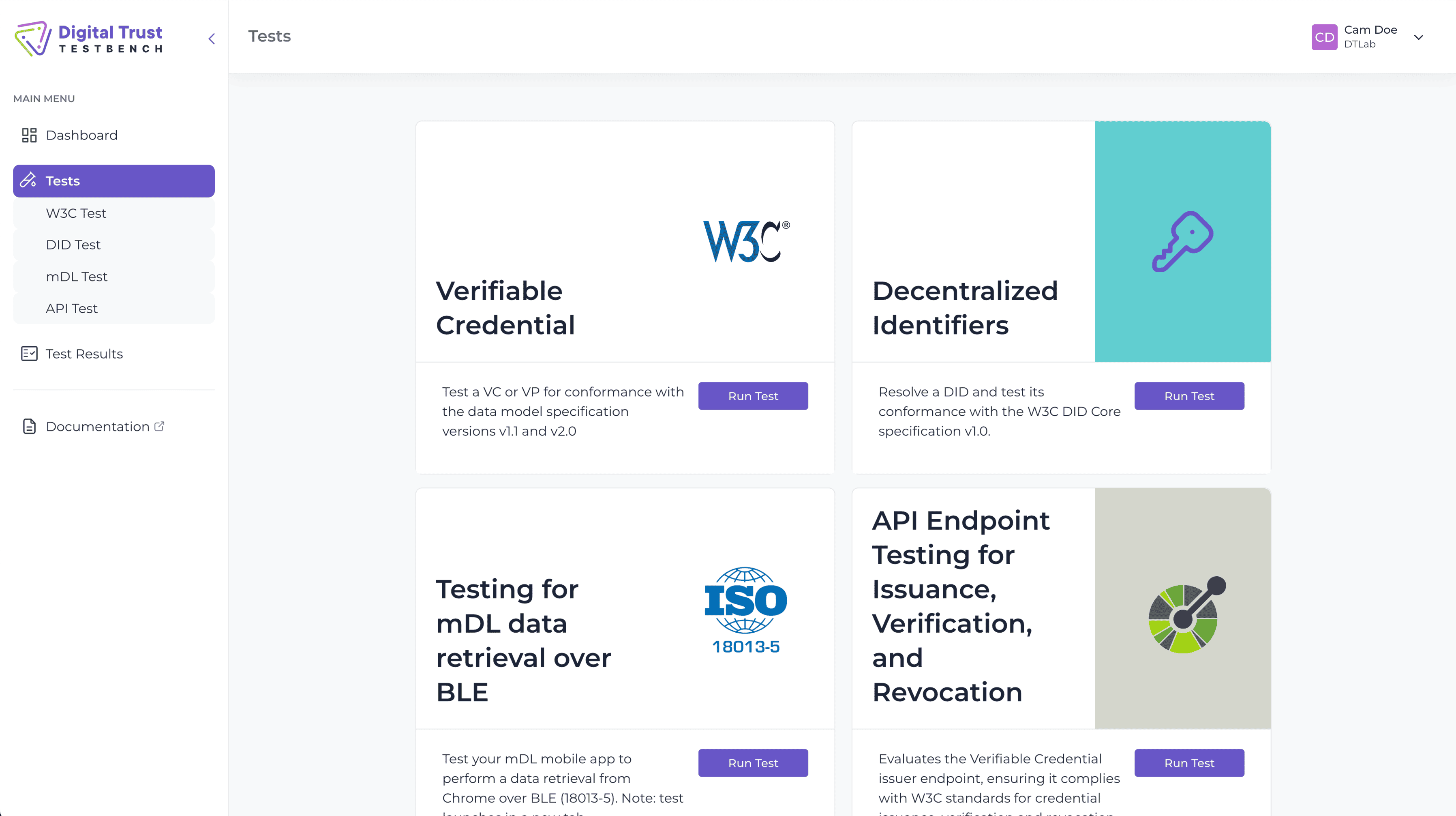
Navigate a web-based interface that translates technical complexity into intuitive workflows, supported by well-structured documentation.

Customized Testing

Easily select and configure test parameters to suit your specific technology stack.

Visual Reporting

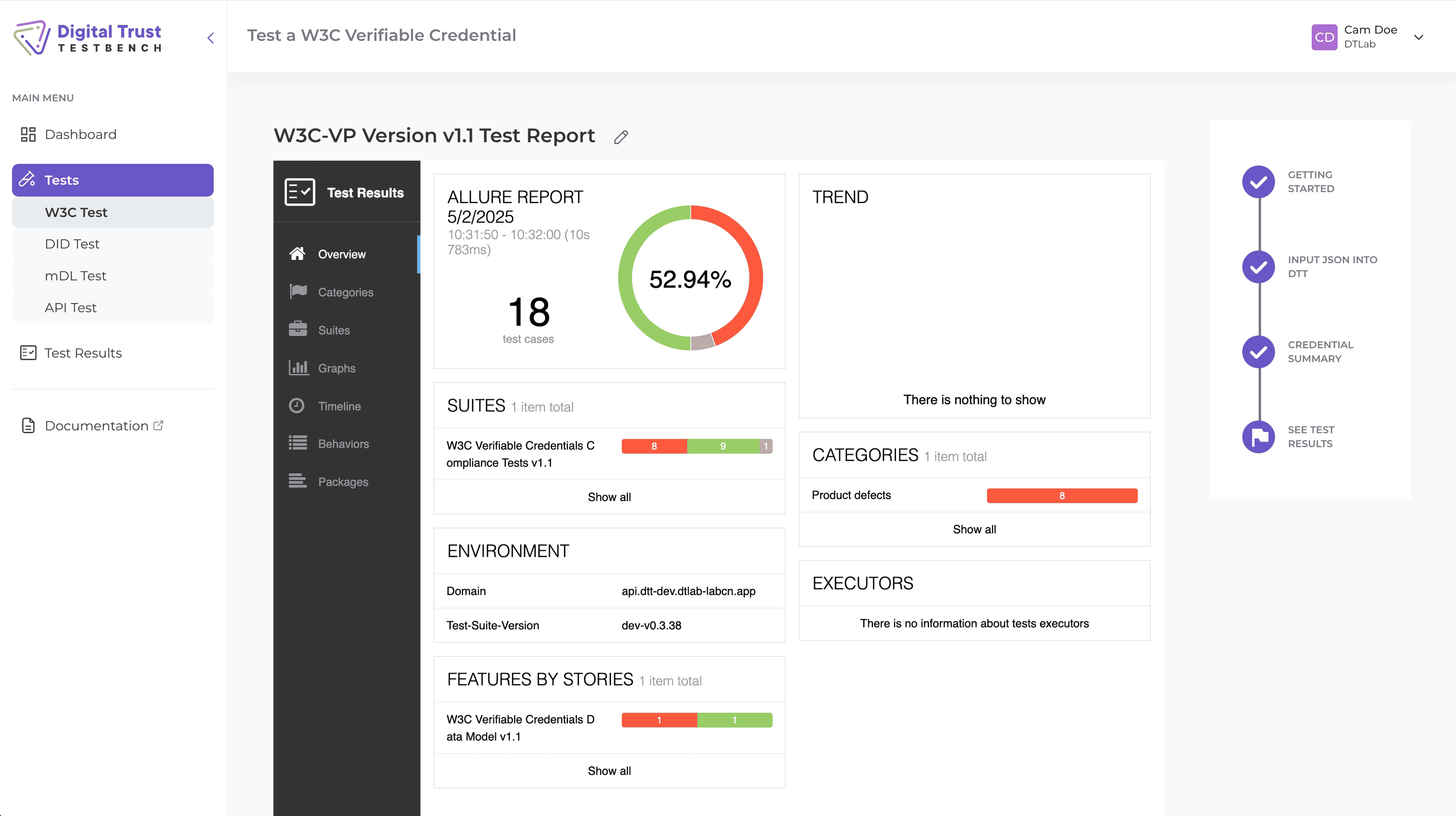
Get graphical test reports that highlight errors for quick interpretation and resolution.

Learn More

Handshake
Puzzle

Where every piece of the digital credential puzzle fits together

Key Features

Workflow

Whether you're validating a new credential format or testing an issuance flow, this platform walks you through the process, step by step.

  • 1
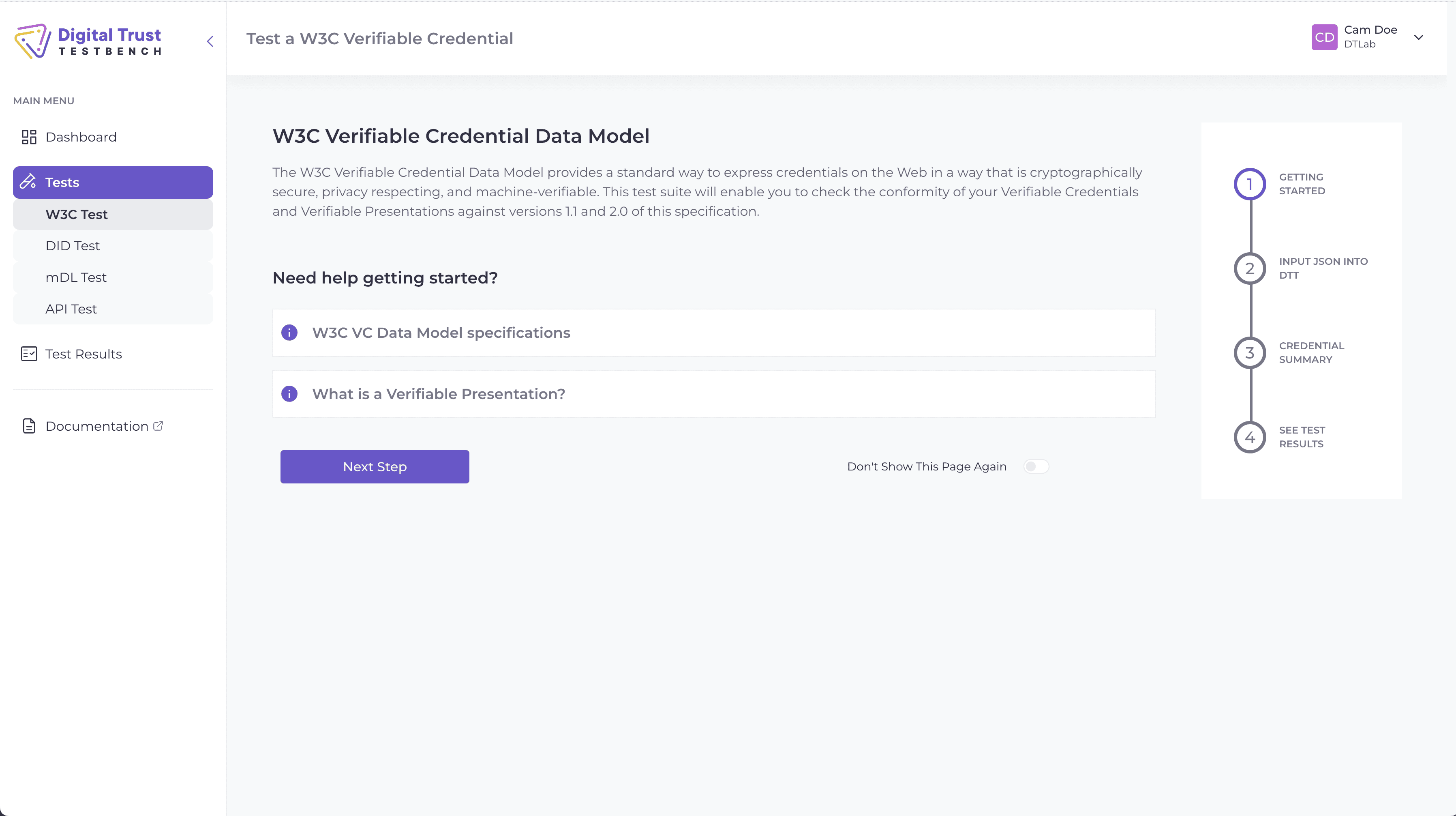
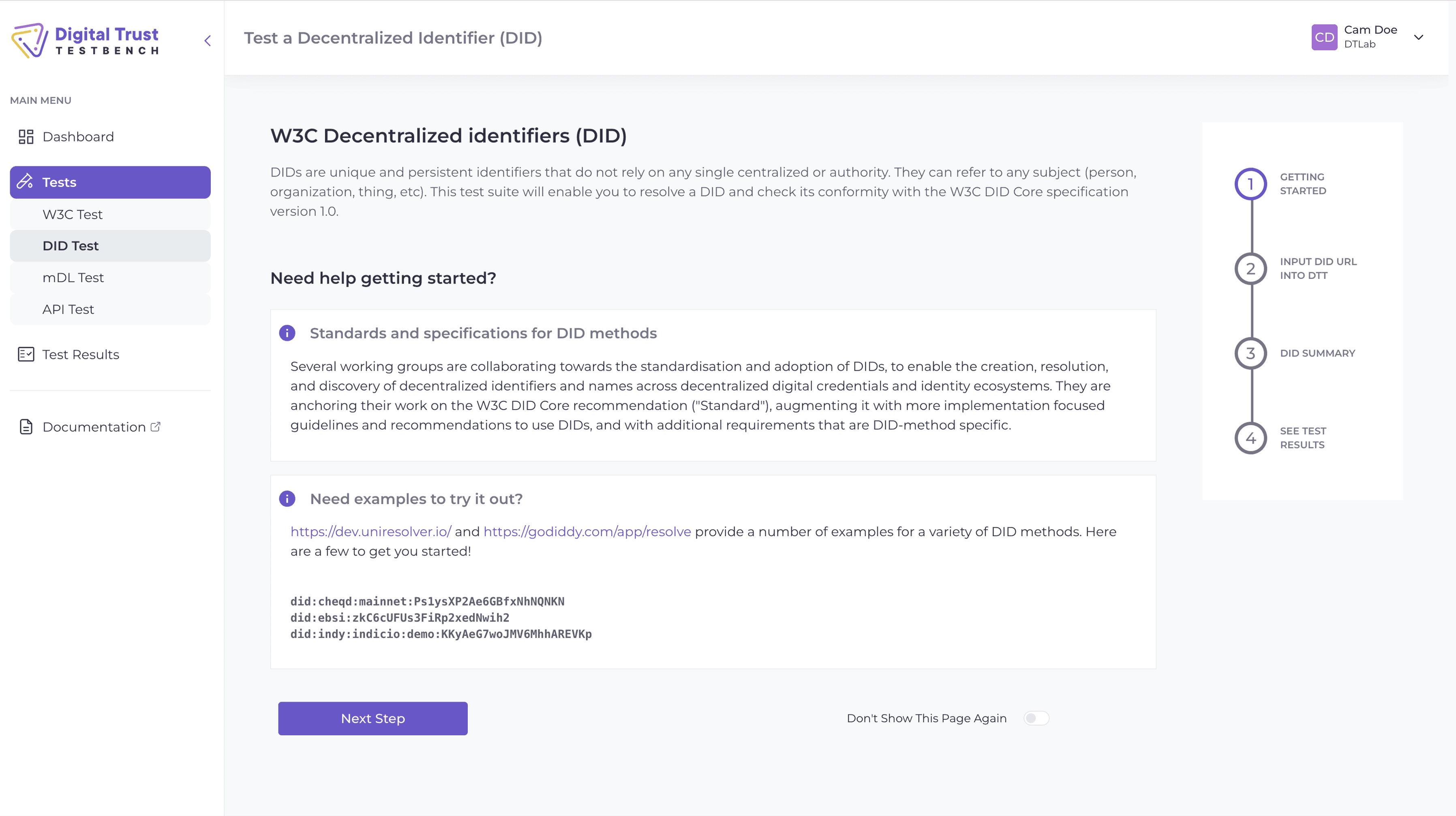
    Choose Your Test Type - Start by selecting the kind of digital credential test you need: W3C, DID or MDL
  • 2
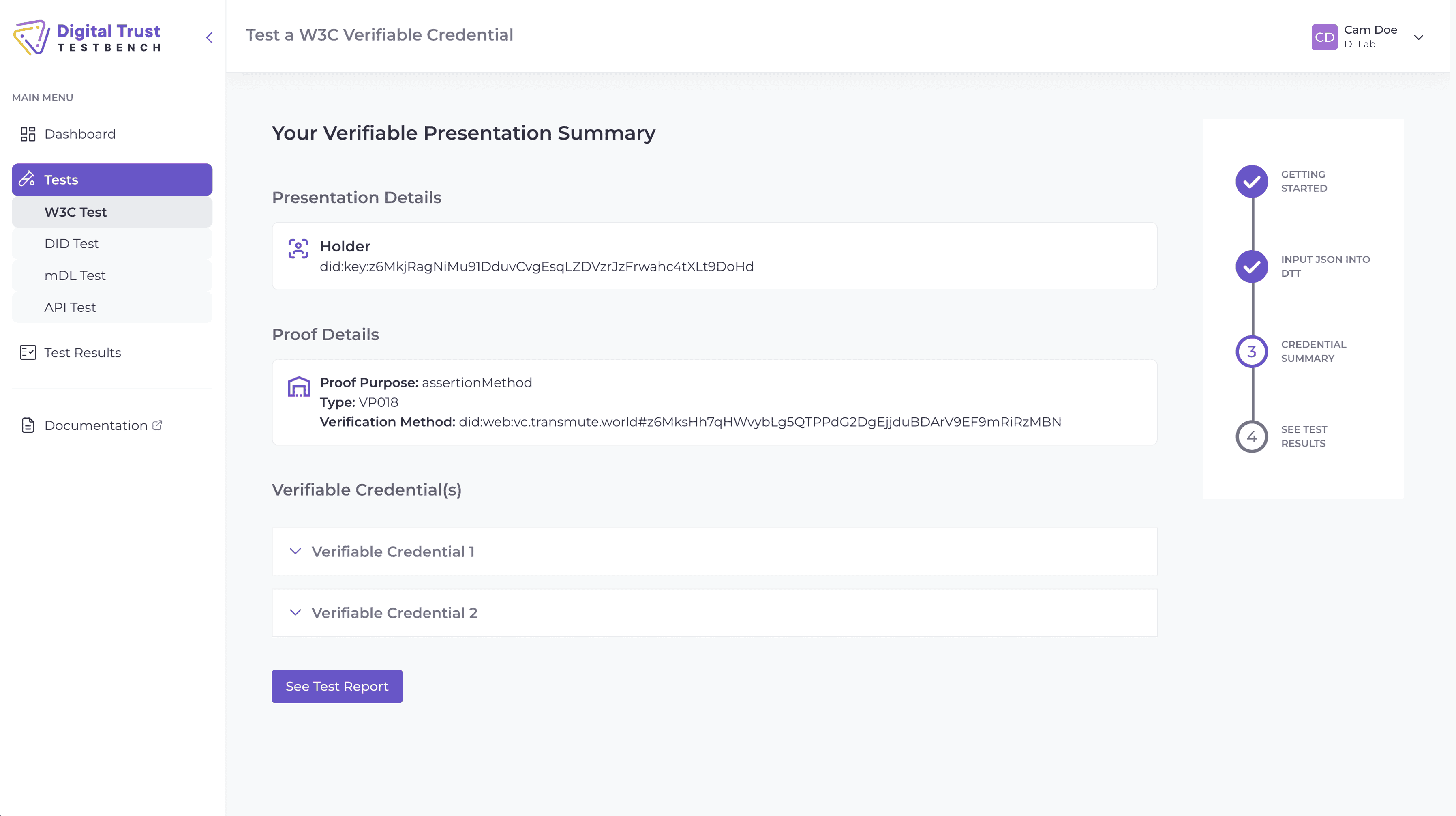
    Follow the Guide - Each test includes a structured flow:
    • Intro – What this test is doing and why it matters
    • Input Requirements – What data you'll need and what format it should be in
    • Test Execution – How to run the test and see how your credential holds up
    • Validation Checks – How to perform detailed checks against standards and expected outcomes
    Built-in prompts and explanations help you stay on track.
  • 3
    Pick Your Results: Simplified or Technical - Choose between a high-level summary for a more guided, overview experience, or get technical results (for developers and experts who want all the details).
  • 4
    Review Reporting - View your test outcomes through enriched reports with clear pass/fail indicators and links to relevant specs.

Frequently Asked Questions

More FAQs